
What Do Laptop Adapter Lights Mean?
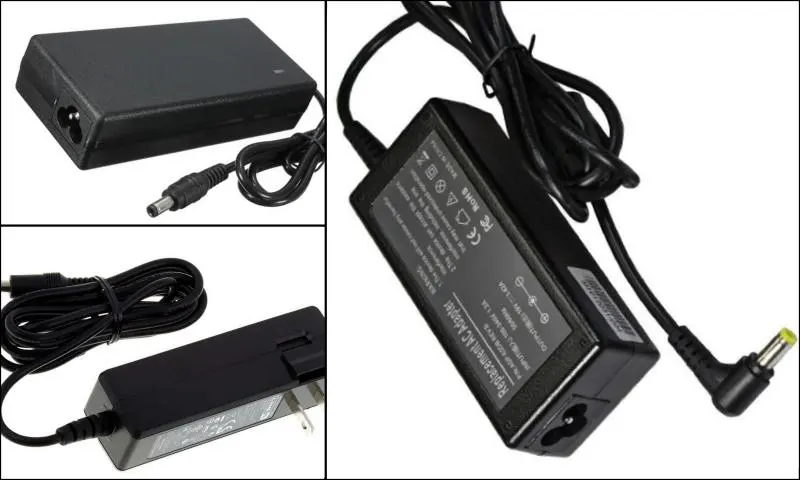
How to Understand Smart Adapter Messages
When adapters are plugged in and supplying power to laptops, the battery indicators or the adapter's LED light can be white, green, or yellow depending on the model. In these applications, which are part of laptop products and systems, the LED lights do not always indicate power status. Some computers also display LED lights in different colors that indicate different power states. At this point, it is essential to consult the user manuals to determine the functions of the LED lights on the computers.
Physical Damage to Adapters
Using a different power adapter than the one specifically designed for use with these systems, which serve as computer products, will cause a notification message to appear in the lower right corner of the laptop screen. If the smart adapter message is displayed, it is essential to update the versions of the models being used. It should also be known that the battery light may flash rapidly 8 times, and the battery icon in the system tray indicates that the computers are running on battery power. If adapters, which are computer products, are exposed to physical damage or impacts, they will not work, and various problems will be encountered. In such cases, the power adapter, cable, and computer must be examined. Here's what to do to understand if there is damage to the power components: The power cables should be plugged into the outlet, and the connector should be removed from the computer to check if the adapters are original computer parts. It should also be checked whether there are signs of physical damage or overheating in the adapters and cables.